

Convert Flat Images to Editable PSD with Layers Online
Decompose any flat 2D image into independent, editable Photoshop layers. Inpaint occluded backgrounds and export native multi-layer PSDs in seconds.
Drop your images to separate layersSupports PNG, JPG, WebP up to 30 MB
Separation Guidance0/300Try
35 free credits when you sign upNo credit card requiredStrict privacy
Why Decompose Flat Images into Editable Layers with ImageToPSD?
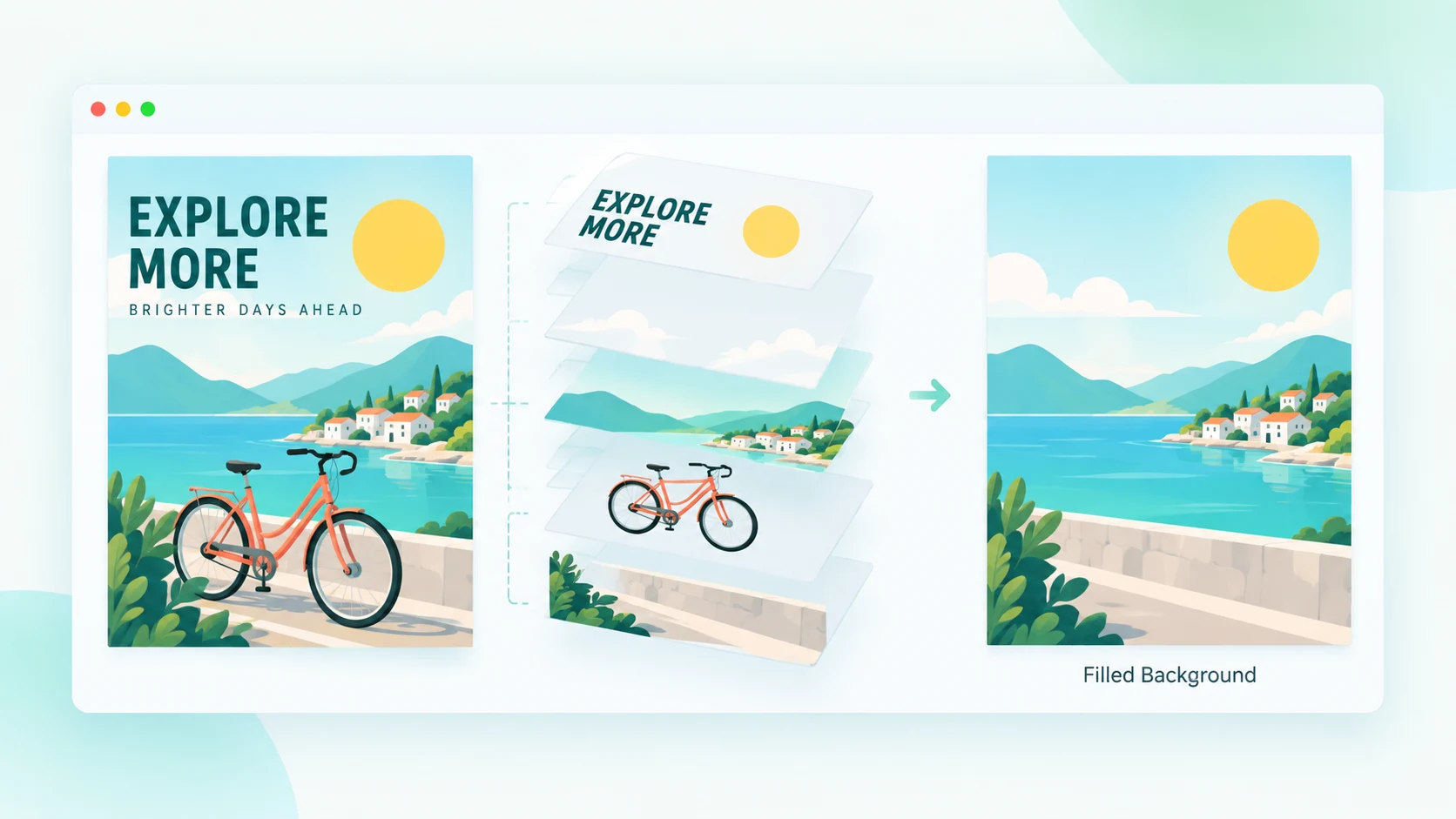
Occluded Background Inpainting: Move Subjects Without Leaving Holes
- Neural synthesis reconstructs full background texture behind extracted subjects
- Eliminates empty cutout silhouettes and black background voids
- Reposition foreground elements freely inside Photoshop without manual clone stamping
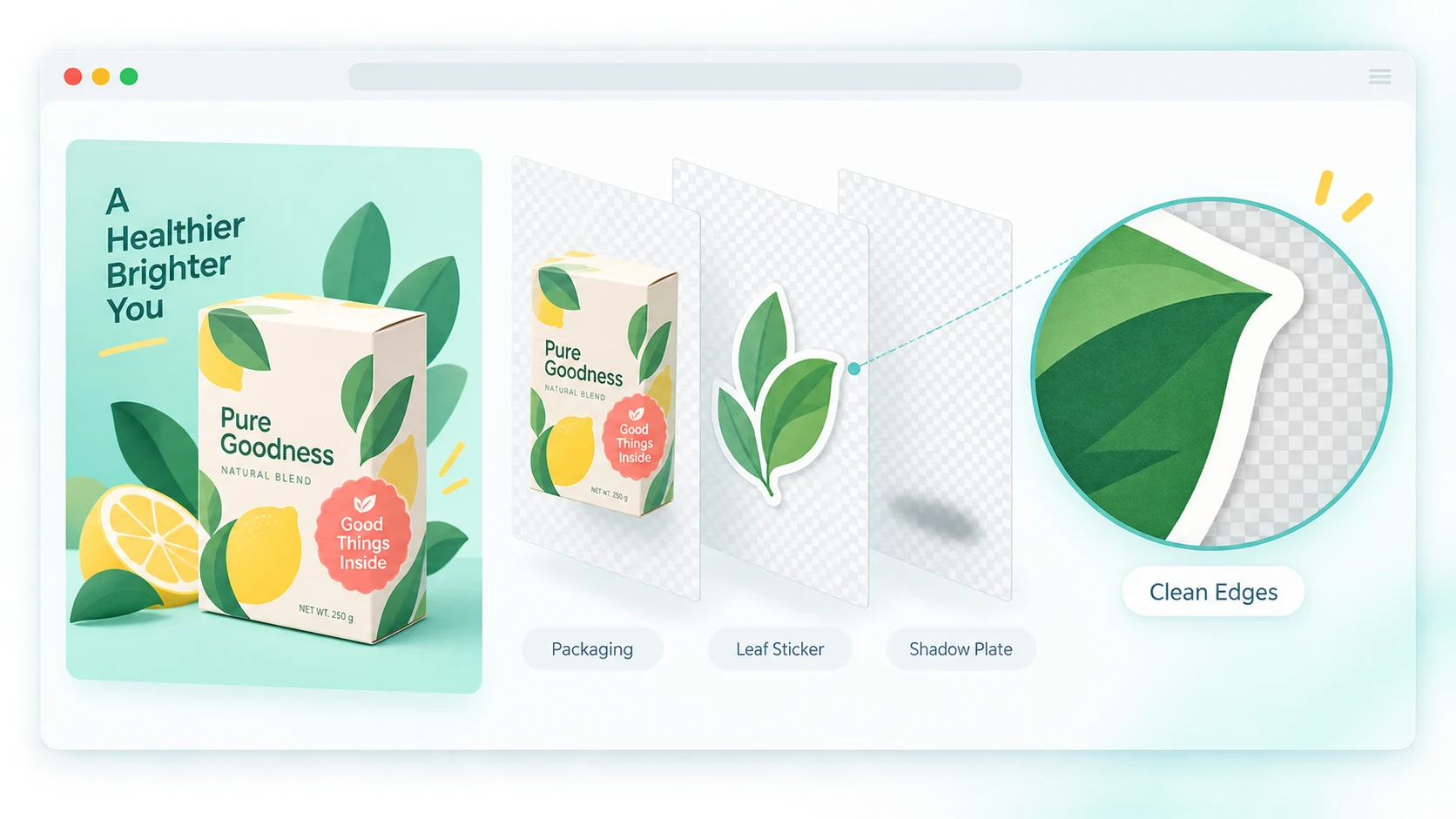
Sub-Pixel Alpha Matting: Crisp Edge Separation Across Complex Textures
- Precision transparency channels for hair, fur, foliage, and glass reflections
- Eliminates fringe halos and compression block noise along cutout boundaries
- Clean, non-destructive layer masks ready for professional compositing
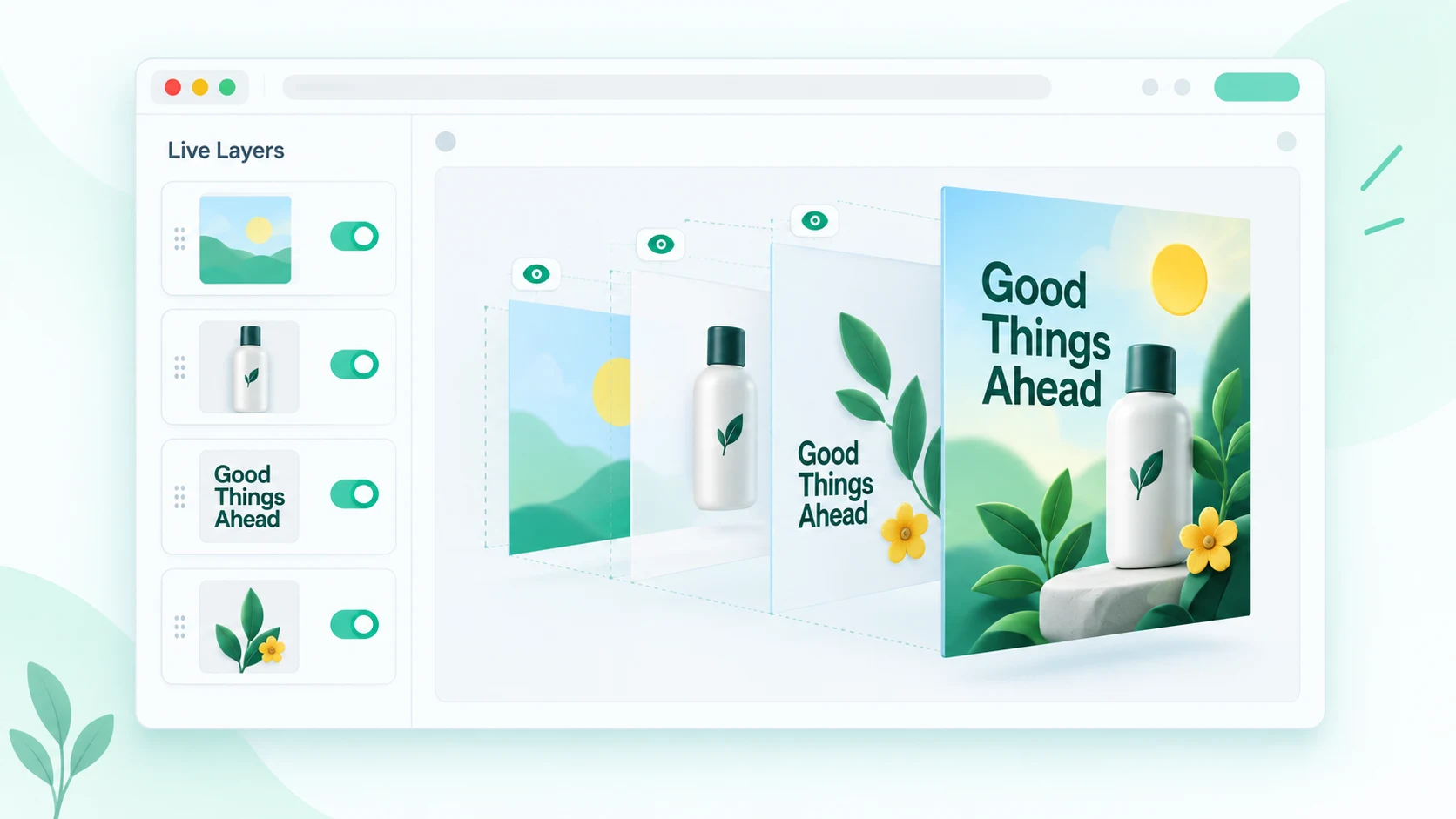
Built-in Web Canvas Editor: Inspect & Fine-Tune in Your Browser
- Live interactive layer browser without needing desktop Photoshop installed
- Toggle visibility, rearrange layer hierarchy, and test adjustments in real-time
- One-click export directly to native, multi-layer Adobe Photoshop PSD
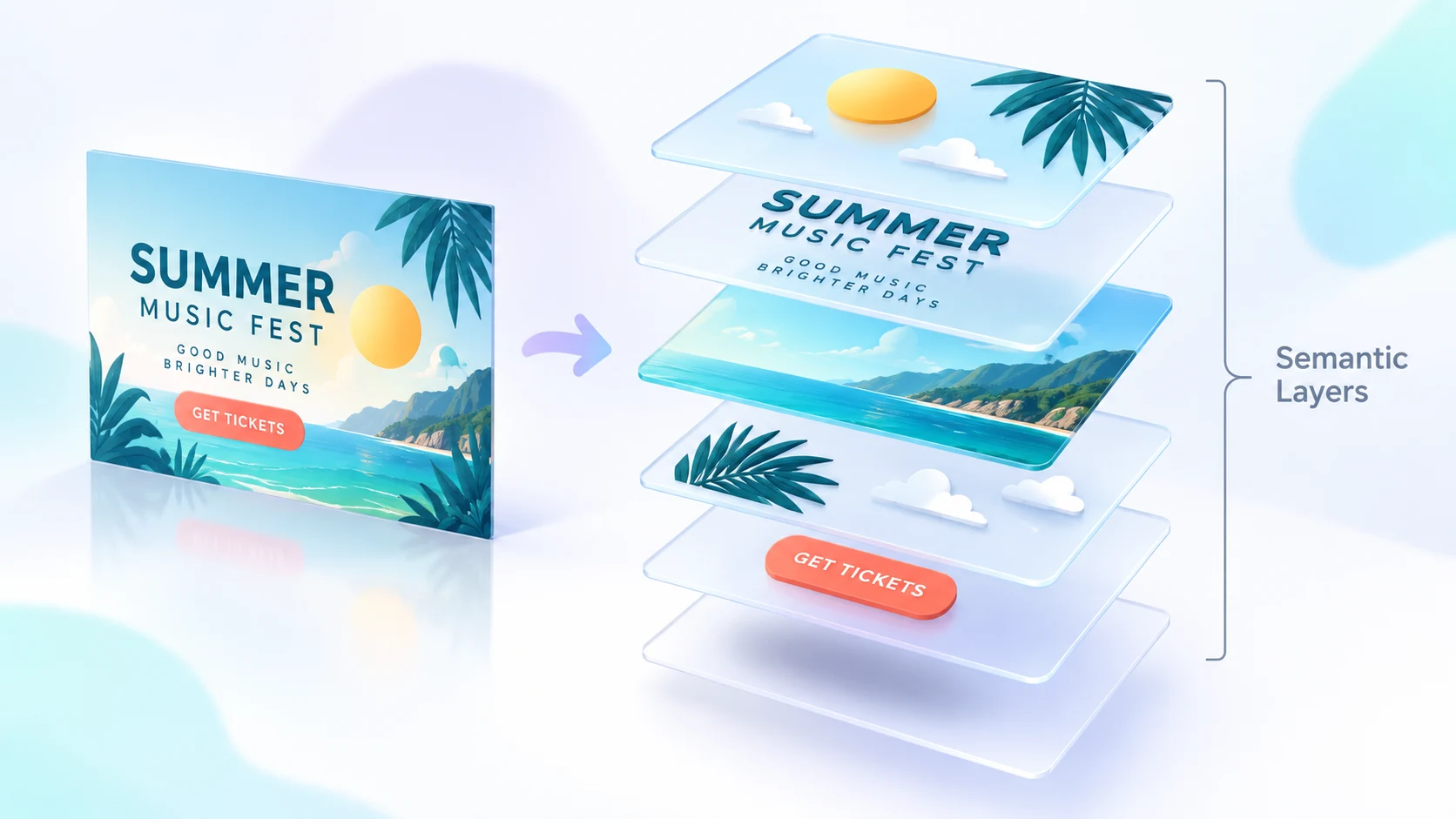
Full Semantic Layer Hierarchy: Isolated Foreground, Text & Plates
- Deep neural models isolate foreground characters, typography, and scenery
- Maintains non-destructive Photoshop blend modes and accurate layer clipping
- Compatible with Adobe Photoshop, After Effects, Premiere, and Procreate
How to Convert Any Flat Image to Editable PSD with Layers in 3 Steps
Upload Flat Image
Drag and drop any flat JPG, PNG, WebP, HEIC, or photo into the converter console.
AI Decomposes into Layers
Computer vision identifies subjects, text, and scenery while inpainting hidden background plates.
Download Layered PSD
Inspect layers in our browser canvas editor and export an Adobe Photoshop-compatible .psd file.
Frequently Asked Questions
Ready to Turn Flat Images into Editable PSDs with Layers?
Decompose flat graphics and photos into fully editable Photoshop layers in 15 seconds. Preview and fine-tune layer stacks right in your browser.
Separate Image into Layers NowFree in-browser layer previewNo Photoshop installation requiredSignup credits included
Explore Related Converters
Interconnected workflows to decompose, vectorize, and export layered designs with AI.