

Convert JPG to Editable PSD with Layers Online
Reverse-engineer compressed JPG graphics and flyers into multi-layer Photoshop files in seconds. Eliminate lossy block artifacts and edit text, subjects, and backdrops on dedicated layers.




Why Convert Flat JPG to Editable Layered PSD?

DCT De-blocking & Background Synthesis: Reposition Elements Without Gaps
- Synthesizes full background texture beneath extracted graphic assets and product shots
- Completely fills occluded areas to prevent cutout voids when moving layout elements
- Eliminates need for manual clone stamping in Photoshop when adjusting marketing flyers
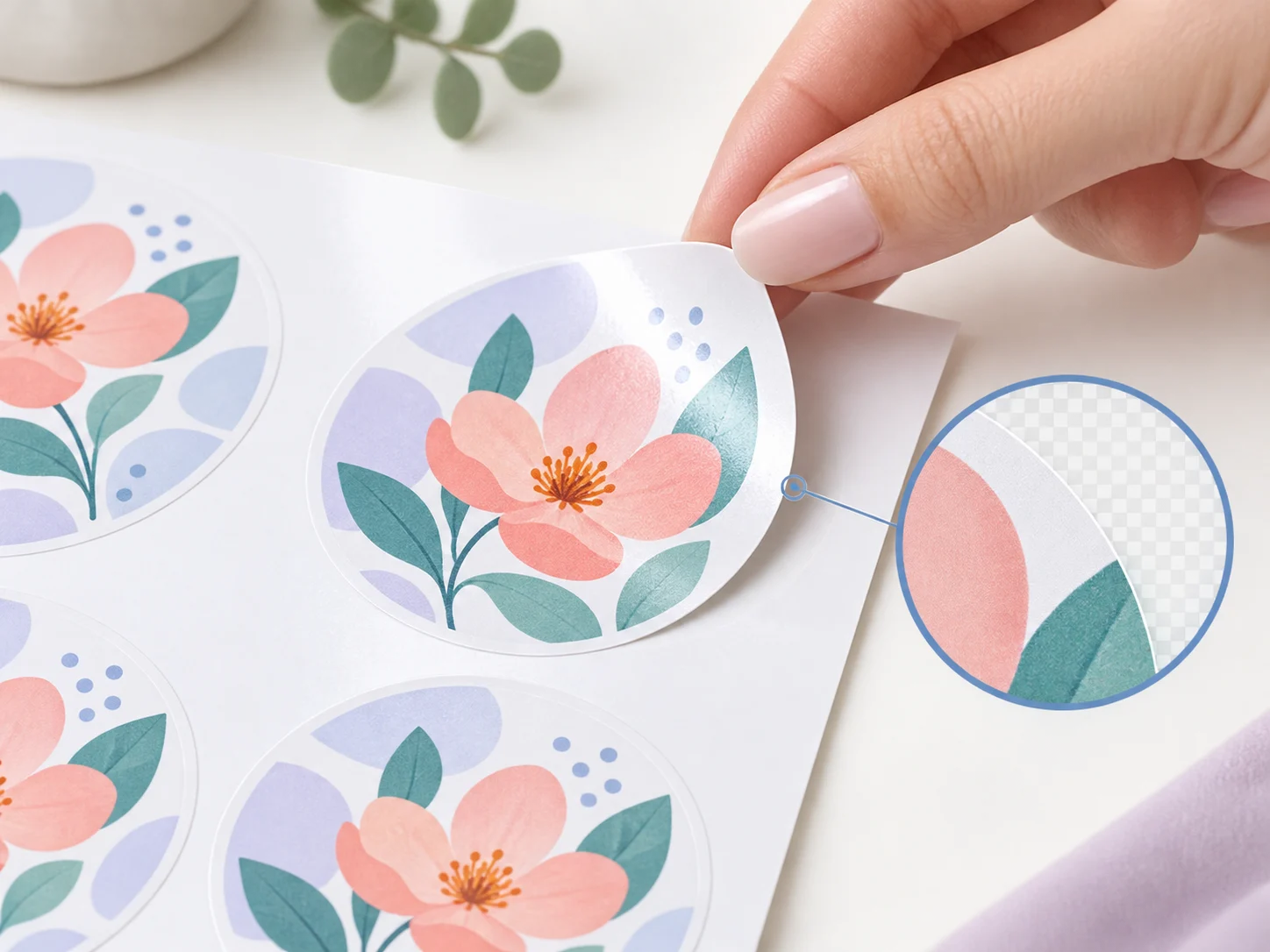
Compression Ringing Reduction: Clean Edges Without Block Artifacts
- Removes 8x8 DCT compression macroblocks and chromatic ringing around typography
- Generates crisp raster edges suitable for CMYK prepress and commercial print layouts
- Restores sharp contrast to flattened headline badges and branding logos

Automated Reverse Layer Extraction: Replace Hours of Pen Tool Tracing
- Extracts text, product graphics, and backdrop plates in under 15 seconds from a single JPEG
- Separates distinct design elements into independent, editable Photoshop layers
- Saves up to 2 hours of tedious manual polygon selection and magnetic lasso work

Visual Layer Studio for JPG: In-Browser Asset Audit
- Inspect individual isolated graphics, toggle visibility, and verify layout hierarchy
- Review layer decomposition fidelity in real time before generating your final file
- Fine-tune element masks and adjustments before exporting to native PSD
How to Convert JPG to Editable PSD with Layers in 3 Steps
Upload Compressed JPG File
Select any standard JPEG photograph, flyer, or raster graphic from your local drive.
Neural Deblocking & Separation
Deep neural filters eliminate JPEG compression noise and segment occluded graphic layers.
Save Layered Adobe PSD
Download pure RGB layers with reconstructed background canvas for immediate Photoshop finishing.
Frequently Asked Questions
Ready to Turn Your JPG into an Editable PSD with Layers?
Decompose flat JPG graphics into fully editable Photoshop layers in 15 seconds. Preview and fine-tune layer stacks right in your browser.
Convert JPG to PSD NowEliminates JPEG compression halosIndependent background inpaintingReady for Photoshop & CMYK prep
Explore Related Converters
Interconnected workflows to decompose, vectorize, and export layered designs with AI.