

Remove Image Background —
Clean Cut-outs in One Click
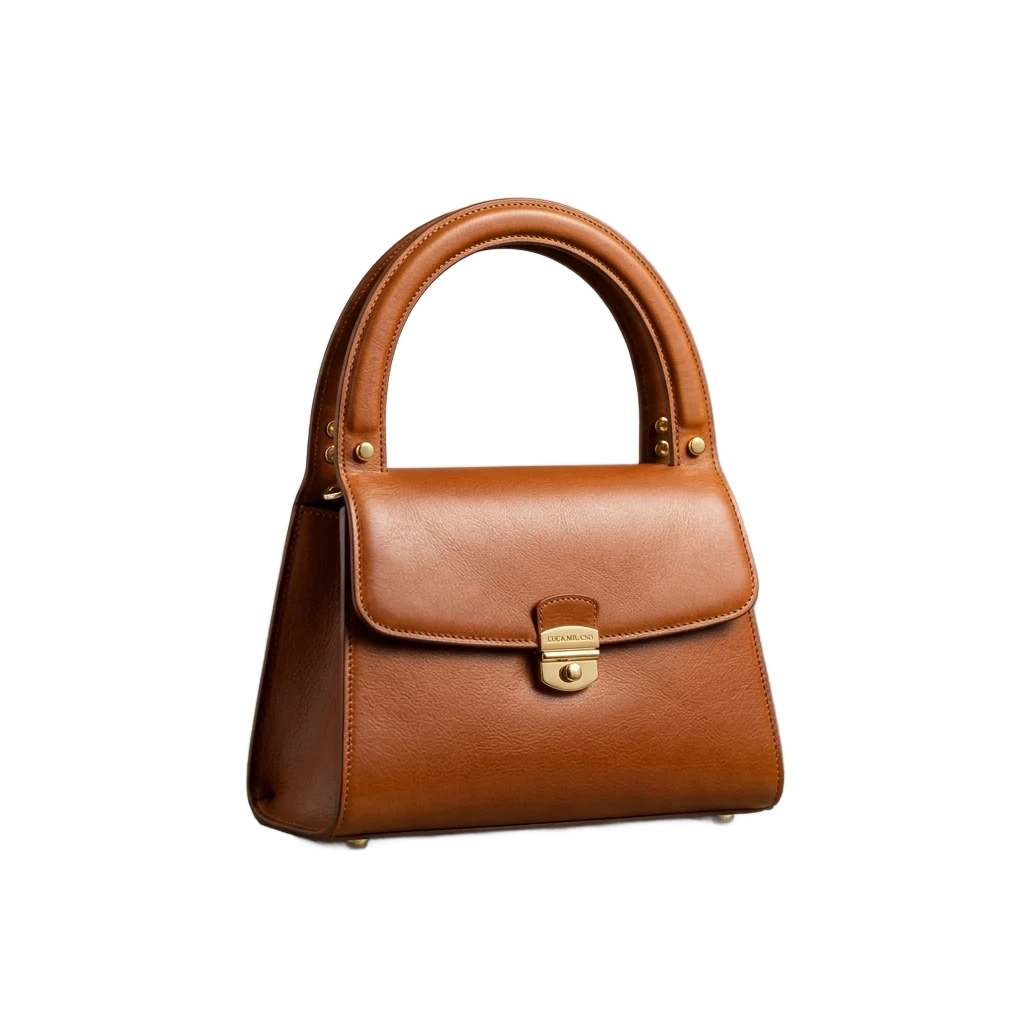
- Full original resolutionUp to 30 megapixels in, the same pixel count out — no watermark stamped on it.
- Fifty photos per dropEach picture gets its own cut-out; one ZIP carries the whole set home.
- Restyle before you saveBackdrop, shadow, outline or a headline — added in the same tab.
Where the cut-out goes next
Six kinds of photo people bring us most, each taken from the camera roll to a finished picture.
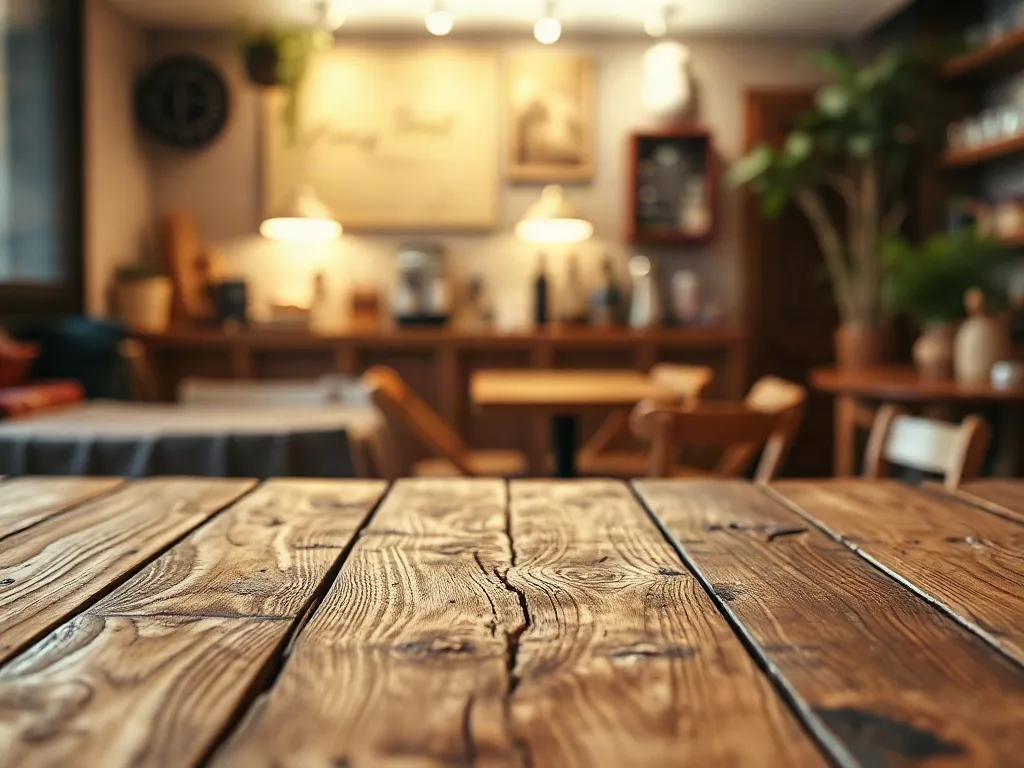
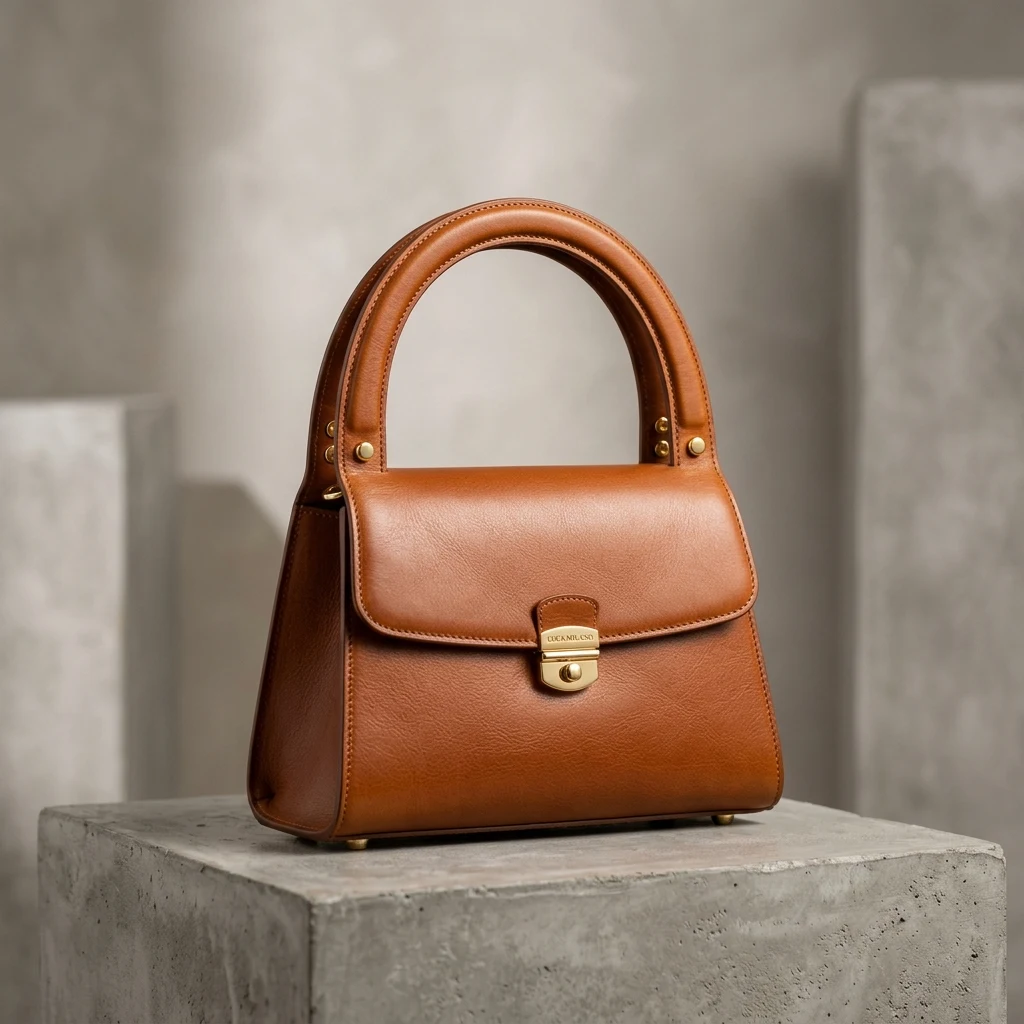
A leather bag lifted off bare concrete and set on warm oak for a shop listing.Run one of these samples
From photo to transparent PNG in three steps
- 1
Bring in a photo
Drag it onto the page, paste it, or start from one of our samples. JPG, PNG and WebP are fine.
- 2
The backdrop is lifted
We locate what the photo is about and separate it within seconds, outline and all.
- 3
Save it, or keep going
Take a see-through PNG, a JPG on any colour, or every picture of the batch in a ZIP.
The edges that usually give a cut-out away
Curls, open handles, thin spokes and ink strokes are where quick tools slip. Here is our result, magnified.
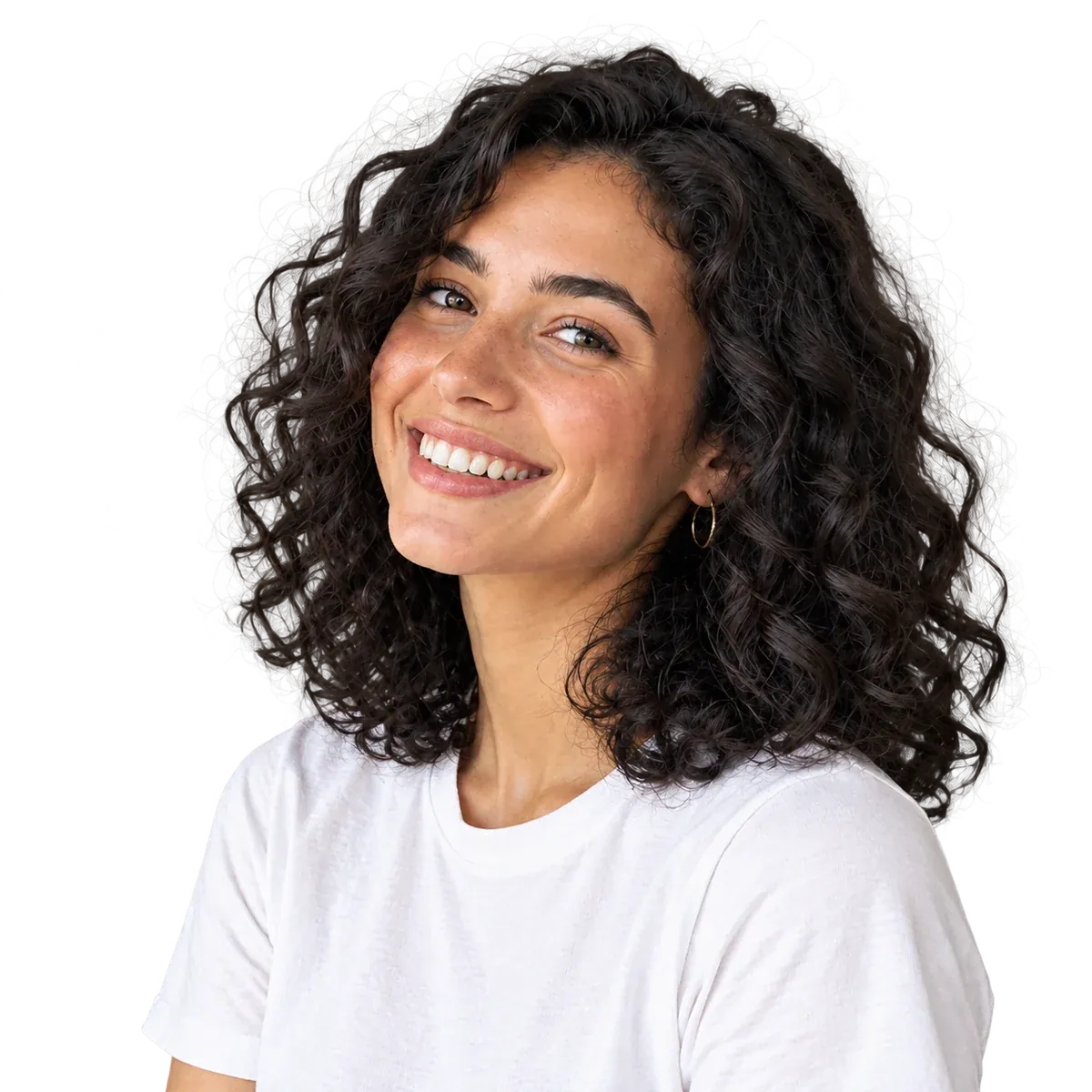
Loose curls stay on the head
Stray ringlets against a cluttered room are traced one by one rather than trimmed into a smooth helmet.
Cluttered bedroomEvery ringlet kept
The hole inside the handle is see-through too
The concrete visible through the bag's strap loop is removed as well, so no grey patch follows the bag onto a new backdrop.
Concrete in the loopEmpty opening

Between the spokes, nothing but transparency
Floor tiles showing through the alloy wheels are cut away while the tinted windows keep their colour.
Showroom tilesOpen wheel
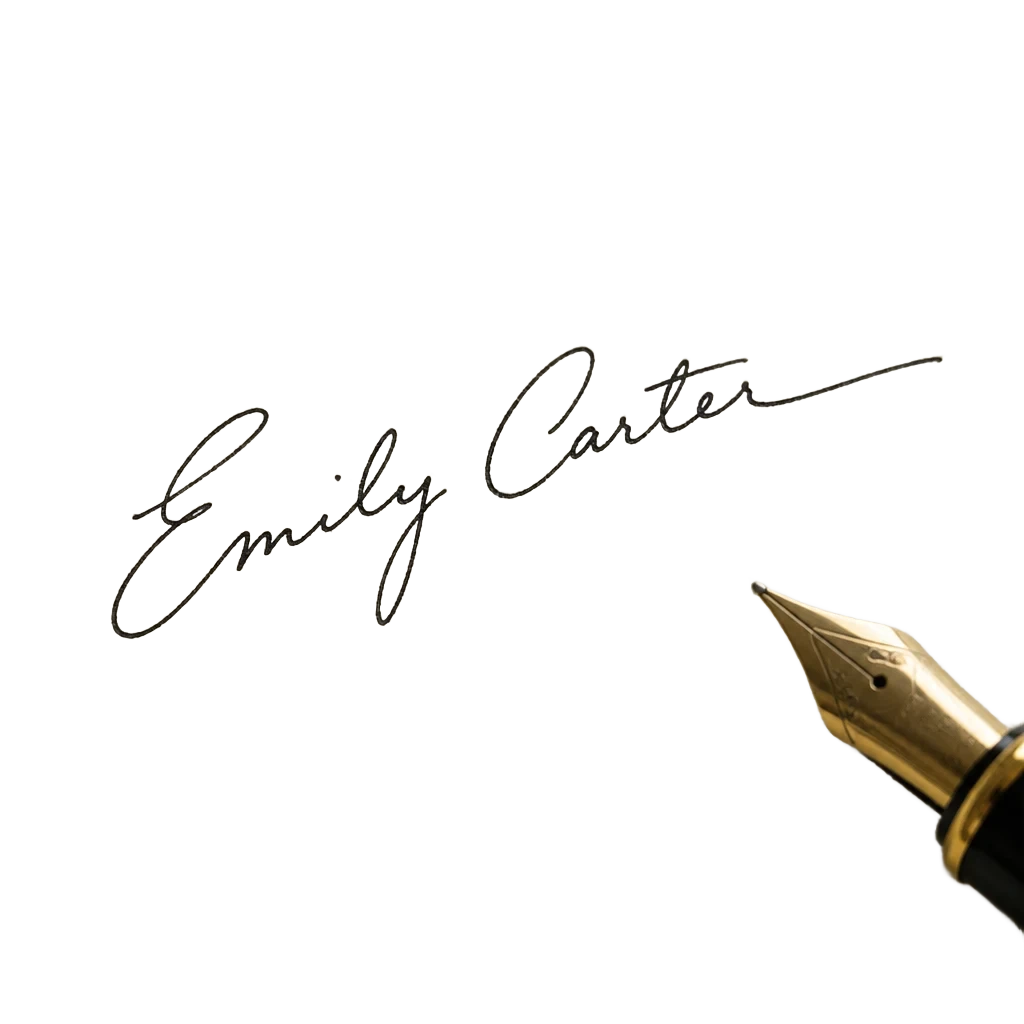
Only the pen line survives
Paper grain and the scan's shadow are dropped; the stroke keeps the width it was written with, ready for a document.
Scanned sheetSee-through ink
Finish the picture without leaving the page
Once the backdrop is gone, the remover opens as an editor. Pick a look, then download.
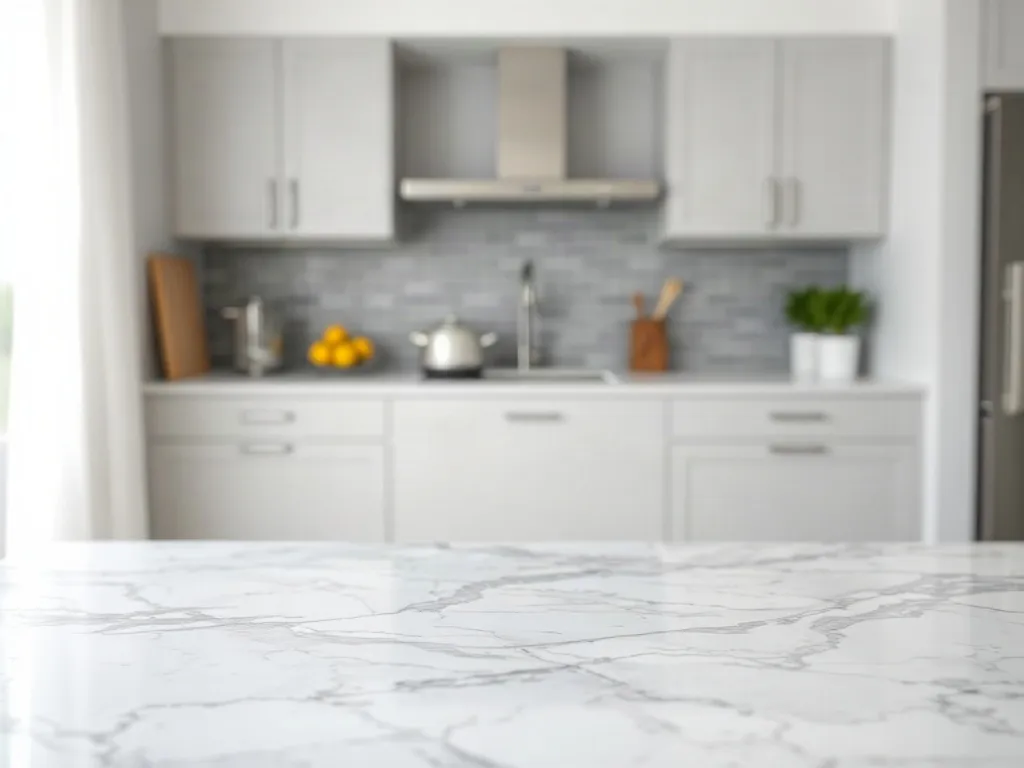
Who Uses ImageToPSD Background Remover
E-commerce & Marketplace Sellers
Batch create marketplace-compliant pure white background product photos for Amazon, Shopify, and Etsy without hiring a photographer.Graphic Designers & Art Directors
Extract cutouts for marketing posters, mockups, and presentations with print-ready edge fidelity and standalone alpha masks.Photographers & Retouchers
Bypass hours of manual pen-tool masking on fine hair, fur, and translucent fabrics with realistic sub-pixel edge transitions.Content Creators & Social Marketers
Quickly generate transparent character stickers, YouTube thumbnail cutouts, and ad creatives across diverse campaigns in seconds.



Background remover: common questions
ImageToPSD automatically exports cutouts at your original camera resolution without downscaling, watermarks, or lossy compression. Simply upload your image, and the AI will extract the subject in full HD clarity.
Ready to Remove Backgrounds in Seconds?
Remove Background Free ↗View PricingFull-Resolution Transparent CutoutFree Credits on Sign-upNo Credit Card Required