

Convert PNG to Editable PSD with Layers Online
Deconstruct flat transparent PNGs, UI kits, and game sprites into multi-layer Photoshop files in seconds. Retain soft alpha shadows, reflections, and independent graphic elements.




Why Convert Flat PNG to Editable Layered PSD?
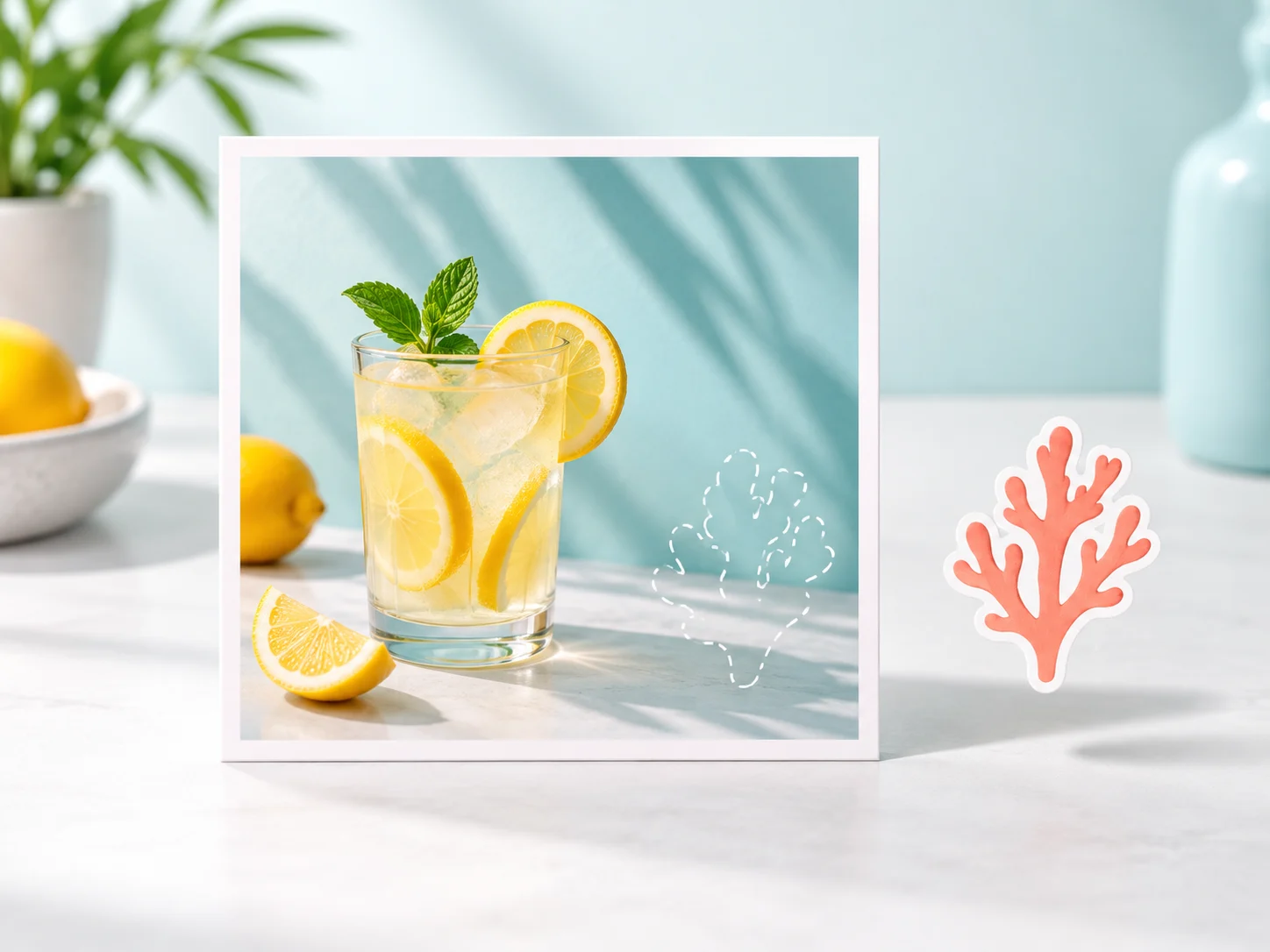
Alpha Channel Decomposition: Isolate Elements, Shadows, and Highlights
- Deconstructs flat transparent PNG composites into separate subject, shadow, and graphic layers
- Preserves original alpha values without destructive binary thresholding or jagged fringing
- Reposition foreground elements freely while keeping underlying lighting intact
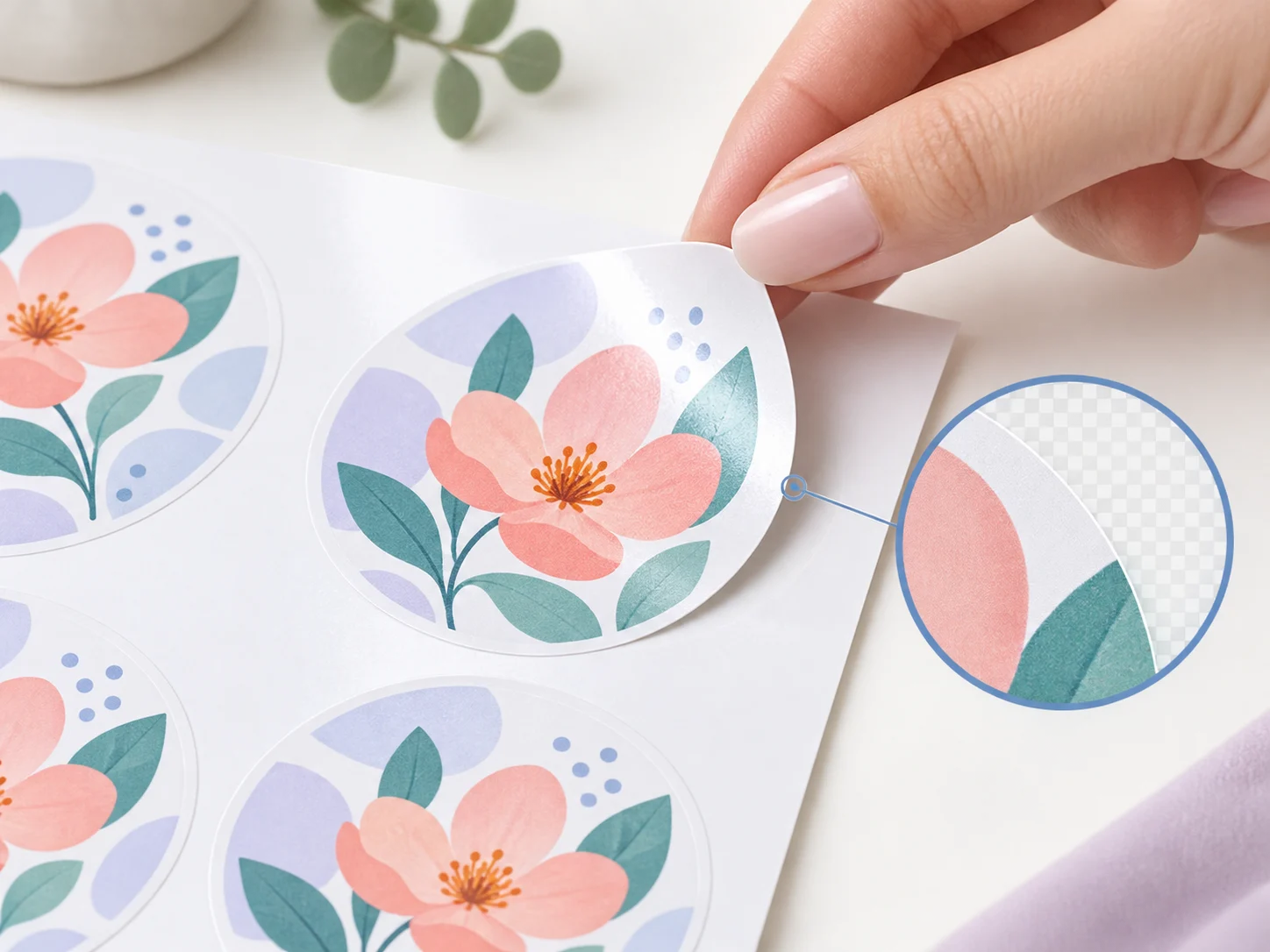
Feathered Shadow & Reflection Isolation: Retain Ambient Occlusion
- Detects subtle contact shadows, soft ambient gradients, and glass reflections
- Places semi-transparent shadows on dedicated blend layers for natural compositing
- Eliminates dark color fringes and halo artifacts common with manual wand selections

Sprite & Graphic UI Grouping: Rebuild Component Hierarchies
- Segments complex UI mockups, sticker packs, and game sprites in under 15 seconds
- Groups related icons, buttons, and typography badges into distinct editable channels
- Spares digital artists and designers from hours of repetitive layer slicing
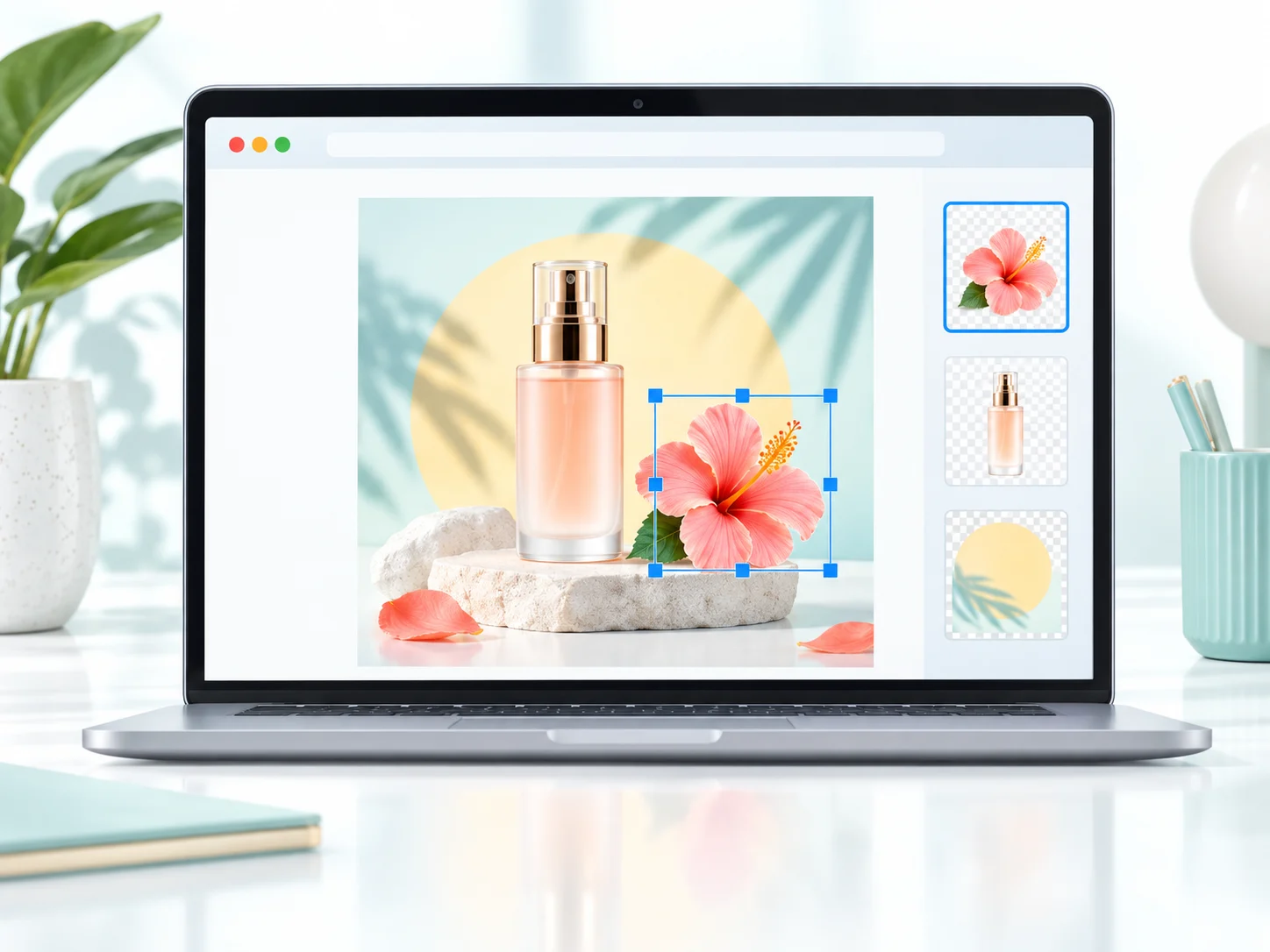
Alpha Mask Inspector: Real-Time Transparency Verification
- Audit individual layer mattes, verify boundary softness, and toggle transparency grids
- Examine isolated sprite borders inside the canvas viewport before downloading
- Adjust layer order and visibility directly in your web browser
How to Convert PNG to Editable PSD with Layers in 3 Steps
Upload Flat PNG Image
Drop your transparent graphic, flat UI mockup, or rendered PNG illustration into the console.
Alpha-Aware Neural Extraction
The neural engine analyzes transparency gradients and delineates overlapping composite elements.
Export Multi-Channel PSD
Download your Photoshop file with native alpha masks and non-destructive layer channels intact.
Frequently Asked Questions
Ready to Turn Your PNG into an Editable PSD with Layers?
Decompose flat PNG assets into fully editable Photoshop layers in 15 seconds. Preview and fine-tune layer stacks right in your browser.
Convert PNG to PSD NowPreserves soft alpha shadowsUnpacks flat PNG UI & spritesFull transparency channel fidelity
Explore Related Converters
Interconnected workflows to decompose, vectorize, and export layered designs with AI.