

Photo to PSD Converter with Layers
Turn a photo into a layered PSD: people, products and props each on their own layer, with the backdrop filled in behind them, ready to retouch or recompose.



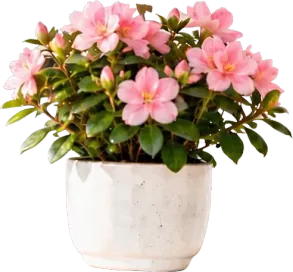

People, props and backdrop on separate layers



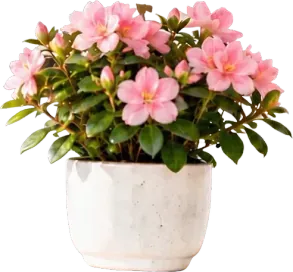

Every subject in your photo on its own layer
- People, products and props come out as separate Photoshop layers
- Hair and soft edges are kept
- Up to 16 layers per photo
Filled in — no holeA complete backdrop behind every subject
- Move or remove a person and the backdrop behind them is already there
- Recompose a shot without patching holes
- Useful for portraits, product shots and travel photos



Headline
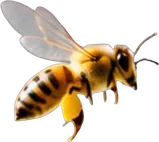
Bee
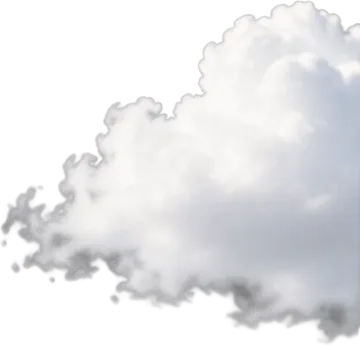
Cloud
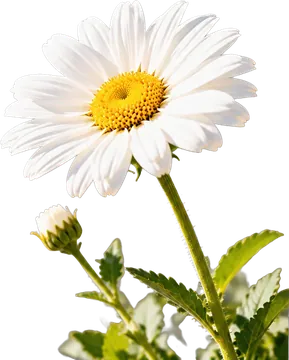
Daisy
Every object in the frame, one layer each
- Text, objects and scenery are separated too
- Hide or rearrange anything without masking by hand
- Works on posters and composites as well as photos
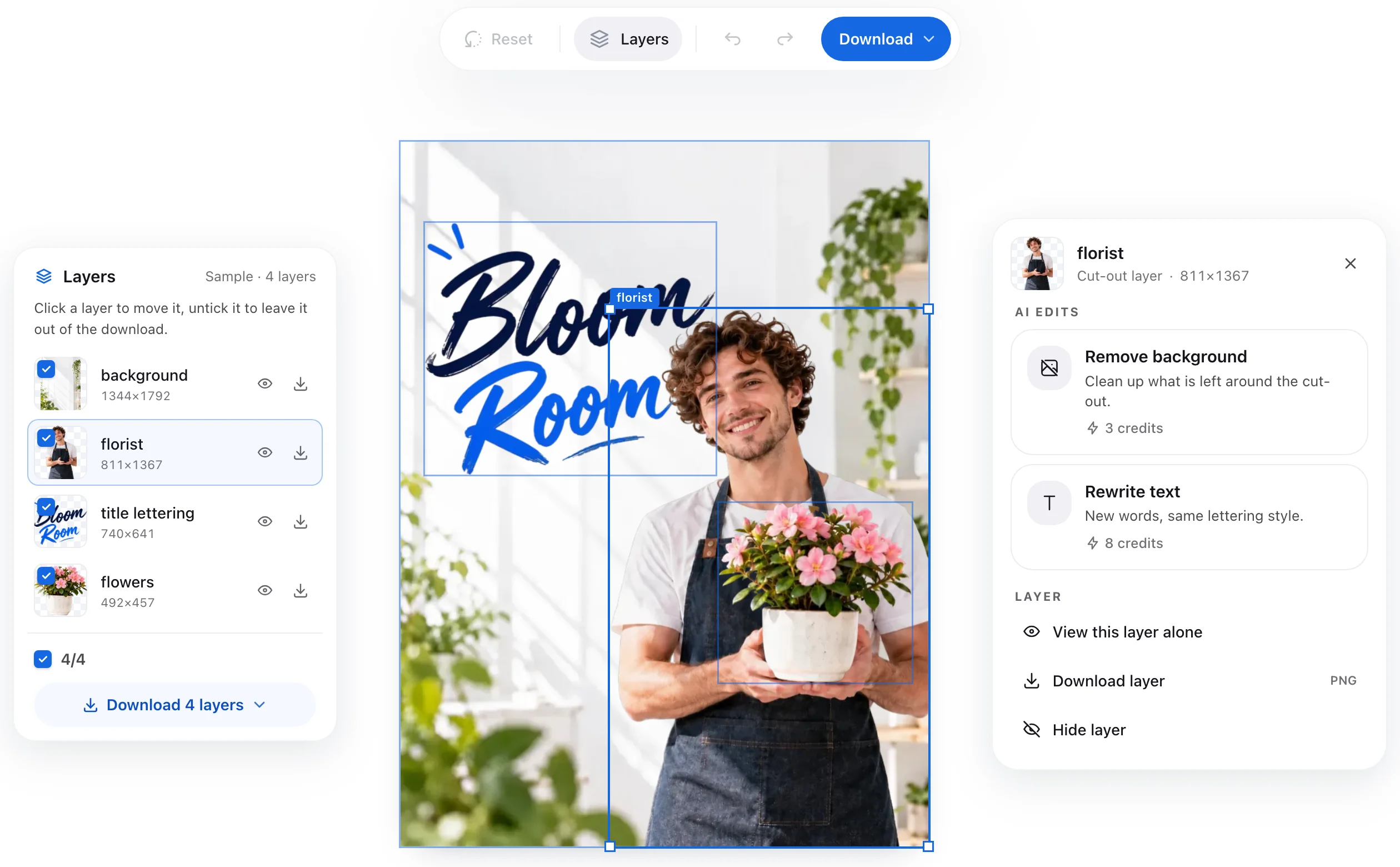
Check every layer before you download
- Turn layers on and off and move them in the browser
- No Photoshop needed to look at the result
- Download a layered PSD or transparent PNG layers
How to convert a photo to PSD in 3 steps
- 1
Upload your photo
Drop a JPG, PNG or WebP photo — a portrait, a product shot or a scene.
- 2
AI splits it into layers
People, products and props are separated, and the backdrop is filled in behind them.
- 3
Download the PSD
Check the layers in your browser, then download a layered PSD or transparent PNG layers.



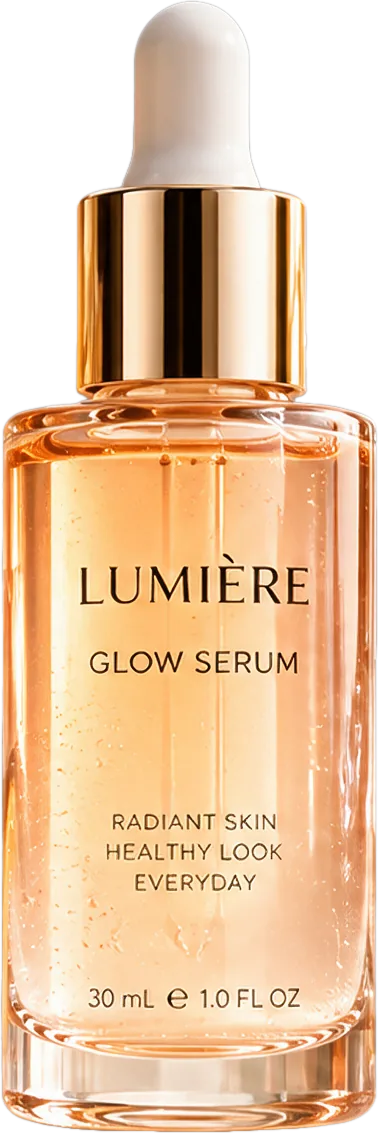
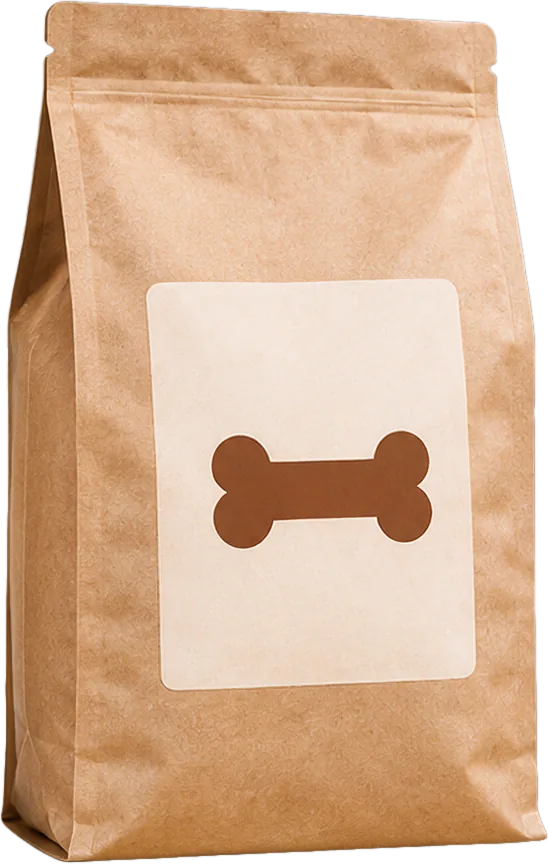



Working with another kind of image? Use the image to PSD converter — it takes any JPG, PNG or WebP.
Photo to PSD: common questions
Turn your photo into a layered PSD
Upload a photo and get its people, products, props and backdrop as separate layers.
Convert Photo to PSDBackdrop filled inHair and soft edges keptFree credits on sign-up
Explore Related Converters
Interconnected workflows to decompose, vectorize, and export layered designs with AI.